
A computer keyboard quietly collects whatever passes through your day — crumbs from lunch at the desk, dust from the room, a little oil from your fingers. None of it is dramatic, but over weeks it dulls the keys and makes the surface feel sticky.
Cleaning a keyboard well takes a few minutes and almost no equipment. The trick is doing it in the right order and avoiding the two or three things that can actually damage it.
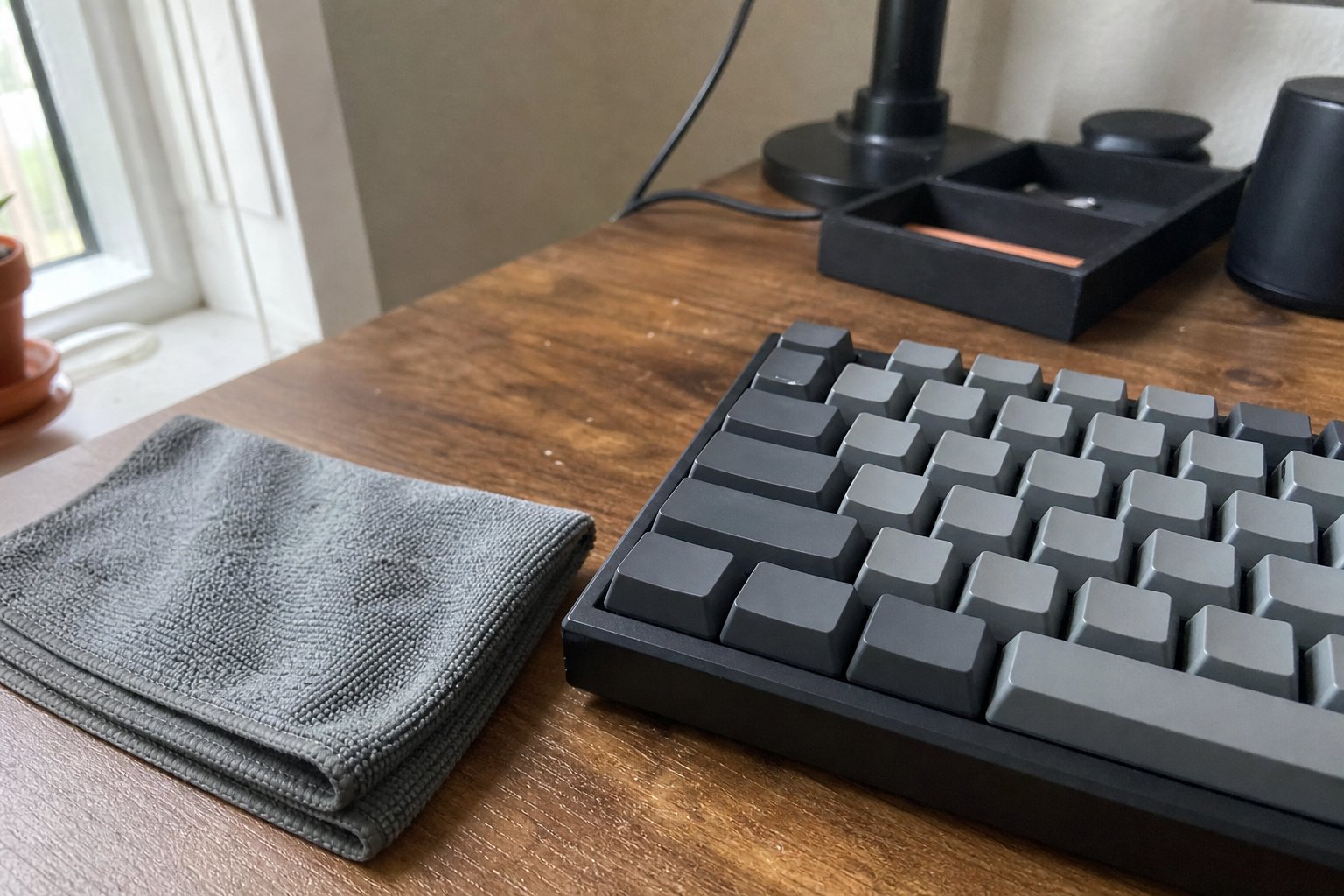
What builds up on a keyboard
Most of what ends up on a keyboard is simple: fine dust from the room, crumbs and small bits of food if you ever eat near the desk, and a thin film of oil that transfers from your fingertips with every keystroke.
None of that is unusual. It is just what happens when a surface is touched for hours a day. Left alone, the mix settles into the gaps around the keys and makes the plastic feel tacky under your fingers.
- Advertisement -
- Advertisement -